Always Get Connected
So, you wanted to post a new status on your Facebook account or share a new story on Instagram, but you don’t have mobile data. Worse, you cannot find a public WiFi to connect to. If connecting to the online world is your problem, then this application has got the answer for you. WiFi Password is a utility app that lets you find and connect to free WiFi hotspots, every time. It is an easy-to-use software that gives you internet connectivity with a few clicks.
Top Recommended Alternative

Connect to WiFi easily
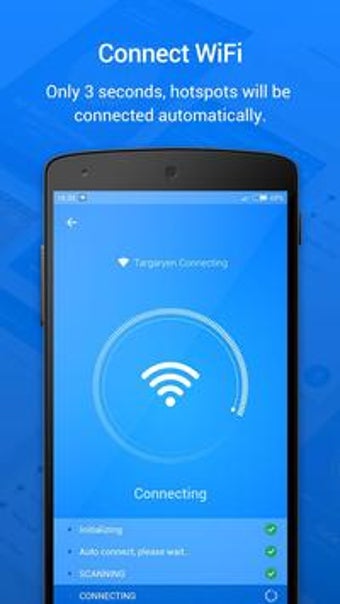
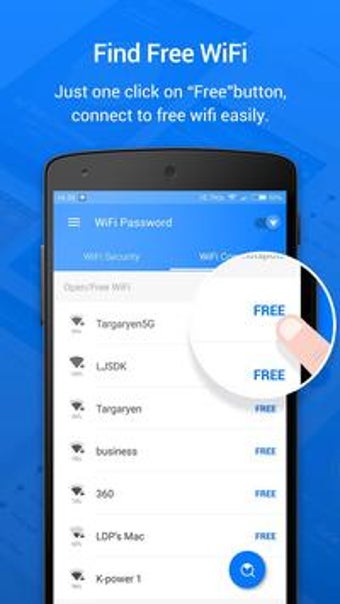
With WiFi Password, finding a WiFi hotspot is an easy task. When you need to be online, just run the app, and it will provide you millions of free WiFi hotspots near you. Once you have chosen the network you want to connect to, tap the network and hit the connect button. It will only take three seconds for the app to connect your device to your chosen network.
Aside from free WiFi, WiFi Password can also detect password-protected networks. Under the list of the open WiFis, you will see the list of WiFi requiring passwords. Users can inquire for passwords from the passwords stored in their server and passwords shared by the users.
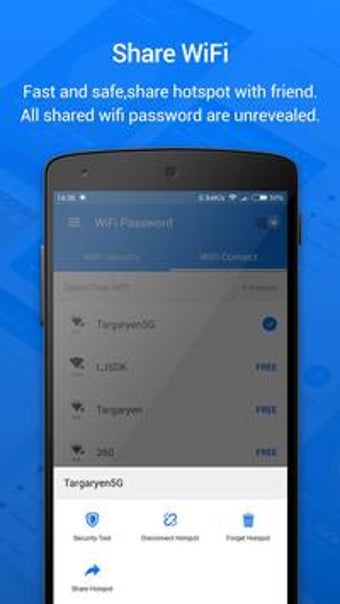
More so, if you wish to turn your mobile phone into a hotspot router, you may do so with this app. WiFi Password lets you share the WiFi password with other users you know so they can enjoy the connection. To do so, click the network name and choose the Share Hotspot button. The password will be then shared to your friend. WiFi Password does not reveal the passwords to ensure the safety and privacy of the users.
Trusted WiFi services
When connecting to public WiFi, users always worry about the safety of their device and online accounts, and who can blame them? There are lots of cases where sensitive data are hacked through open WiFi networks. But with WiFi Password, you will no longer need to worry about the safety of the network you are trying to connect to.
WiFi Password provides only trusted WiFi services. It only detects free WiFi and WiFi shared by the users. More so, it steers you clear of unsafe hotspots, especially if you are in unfamiliar surroundings.
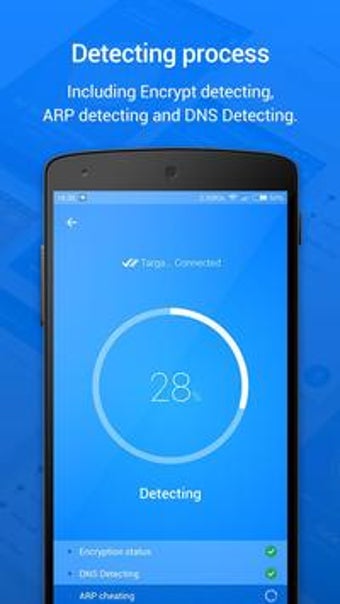
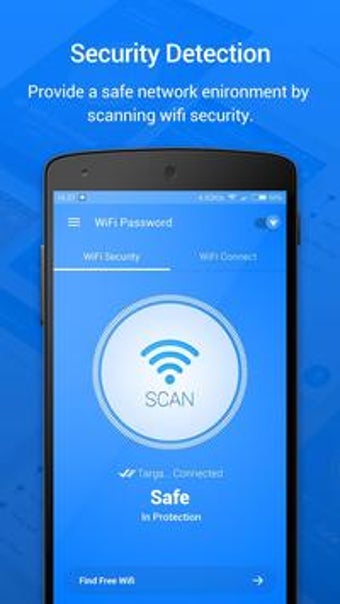
But if you are still unsure of the safety of the network detected by the app, you can run some test for your peace of mind. To do so, click the current connected WiFi and the app will detect current WiFi security. WiFi Password’s security detection range is encrypt detecting, DNS detecting, and ARP detecting.
Community-powered WiFi sharing model
WiFi Password operates on a community-driven system where users voluntarily share access details for public and commonly used WiFi networks. This approach helps expand the app’s database over time, especially in cafés, malls, airports, and shared spaces. As more users contribute, hotspot availability improves, making the app increasingly useful in busy urban areas and travel destinations.
Practical approach to WiFi access claims
Rather than bypassing security, WiFi Password focuses on ethical connectivity by listing open networks and shared passwords that are intentionally made available by their owners or the community. This keeps usage within acceptable boundaries while still offering convenience. The app’s strength lies in aggregation—bringing together scattered WiFi access points into one easy-to-browse interface.
Smart use of permissions for better results
The app’s request for location and network permissions supports its ability to accurately map nearby WiFi hotspots and present the most relevant options in real time. This enables quicker discovery of usable networks, especially when users are on the move. When permissions are enabled properly, the app delivers smoother scans and more accurate hotspot listings.
Focus on user-aware network safety
WiFi Password enhances user confidence by offering built-in WiFi security checks, helping users make informed decisions before connecting. While no public WiFi can be guaranteed 100% secure, the app’s security indicators and detection tools provide an added layer of awareness. This makes it especially helpful for users who want connectivity without ignoring basic digital safety.
Growing reliability through continuous use
As the app continues to gain users, its shared hotspot data becomes more refined and dependable. Frequently used networks benefit the most from repeated confirmations, increasing the likelihood of successful connections. Over time, this collaborative system helps WiFi Password deliver a more reliable experience for users who regularly rely on free WiFi access.
Get connected, any time
If getting online is always your dilemma, then this app is perfect for you. The app has a simple interface that is very easy to use, even to app novices. It automatically detects available WiFi networks and only gives you trusted services. With this app, you can always be connected without worrying about the safety of your sensitive data and information.


.jpg)
.jpg)
.jpg)
.jpg)
.jpg)
.jpg)
.png)